
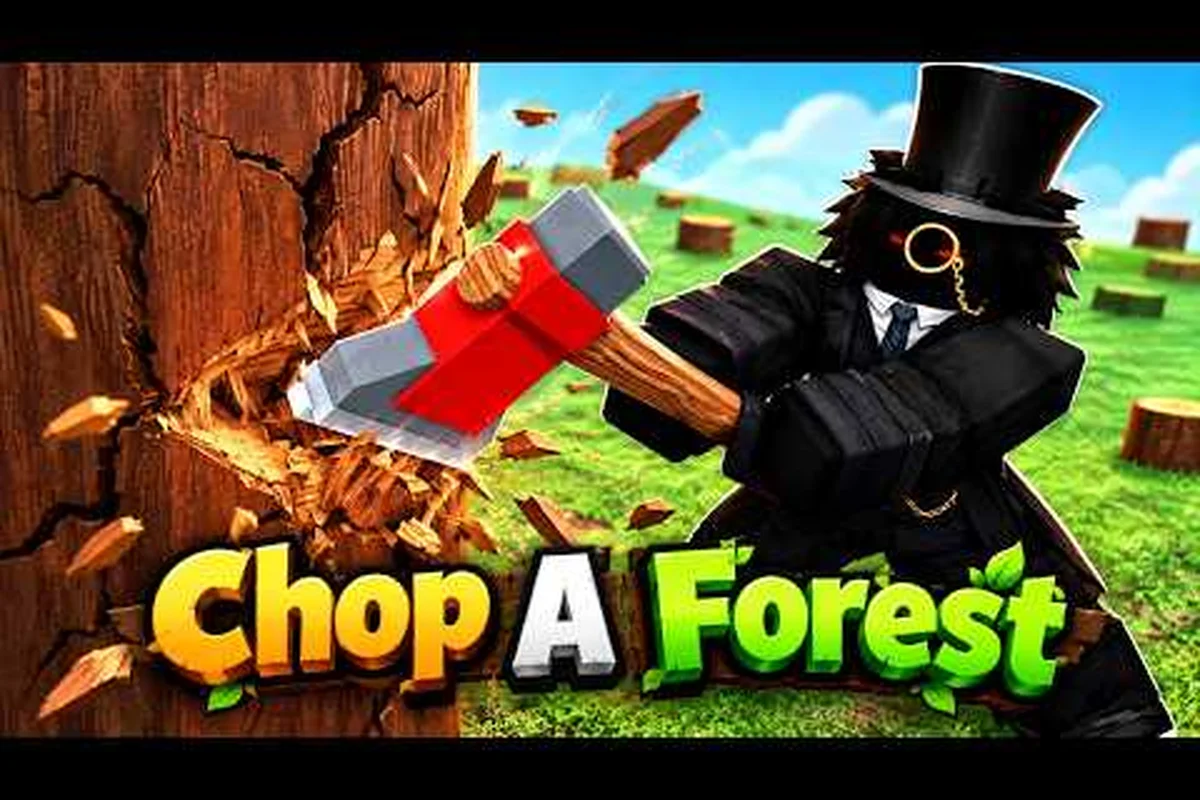
The Chop A Forest claim daily reward system hands out free Gems on a roughly six-hour cycle, and most players walk past the Rewards stall without realizing the timer keeps ticking in the background. According to the Chop A Forest on Roblox page, the stall refreshes about four times a day, and community testing on the the active Discord for Chop A Forest players pegs the take at roughly 25 to 35 Gems per day once you add the Like, favorite, and group bonuses on top. This guide breaks down the exact rotation, the one-time claimable rewards, and the small habits that separate players who bank hundreds of Gems per week from those who log off with nothing to show for it.
Chop A Forest Daily Reward Timer and Stall Mechanics
The Rewards stall in Chop A Forest is the single most consistent Gems source in the game, and it costs zero Robux. It runs on a fixed cooldown that does not pause when you leave the server, which is why two short logins per day outperform one long grind session. Players who understand the cooldown generally bank more currency than those who only check the stall once per play session.
How the 6-Hour Refresh Works
The Chop A Forest daily reward timer ticks on a roughly six-hour cycle, which means the stall becomes claimable four times within any 24-hour window if you are online for each reset. The exact minute count drifts slightly with server load, but the cycle is short enough that you can almost always catch at least two or three refreshes per day with a normal play schedule.
| Reset Window | Local Time Example | Claim Status After Reset |
|---|---|---|
| Morning reset | 7:00 AM | Ready to claim within the first hour |
| Midday reset | 1:00 PM | Best window for lunch-break players |
| Evening reset | 7:00 PM | Highest traffic slot, claim early to avoid stalls |
| Night reset | 1:00 AM | Catches players on late runs only |
Each refresh pays out a small Gems bundle, and the amounts scale modestly with your current tree tier, which means a higher-tier axe indirectly boosts your Chop A Forest gems from trees and your stall payouts at the same time. The cycle continues whether you are online or offline, so missing a reset simply means the Gems sit on the stall until the next claim rather than being lost. Many players set a phone alarm on the four rough reset windows so they never miss a pickup.
Expected Payout Range Per Day
Community-reported numbers place the daily haul at roughly 25 to 35 Gems when you hit at least two of the four resets, which is a solid floor for a passive reward that requires no chopping effort at all. The exact figure moves with updates, so treat the range as a baseline rather than a hard promise, and verify against current patch notes if you are planning a large purchase.
| Claim Frequency | Gems Per Day | Best Use Case |
|---|---|---|
| 1 reset claimed | 8 to 12 Gems | Players who only log in once |
| 2 resets claimed | 18 to 22 Gems | Casual evening-only players |
| 3 resets claimed | 25 to 32 Gems | Active players on a schedule |
| 4 resets claimed | 30 to 35+ Gems | Players who set timers and catch every reset |
If you want to push past that ceiling, the next layer is the one-time bonuses, which stack a much larger Gems lump onto your account the first time you trigger each condition.
One-Time Chop A Forest Like and Favorite Reward
The one-time bonuses are the second pillar of the Chop A Forest like and favorite reward system, and most players trigger them within the first ten minutes of play but never check the claim prompt afterward. These payouts are not on the 6-hour timer; they unlock the first time you meet each condition, then they sit as a claimable reward until you actually press the button.
How to Trigger the Like and Favorite Bonus
The mechanic is simple on the surface: open the game page on Roblox, hit the thumbs-up Like button, then add the game to your Favorites from the same page. The game client picks up the social signals within a few seconds and unlocks a one-time Gems payout that appears as a popup near the Rewards stall. The Chop A Forest join group reward follows the same pattern, except the trigger is joining the WCT Capital Roblox group rather than liking the page.
| Action | Trigger Location | Reward Type | Reported Gems |
|---|---|---|---|
| Like the game | Roblox game page | One-time Gems | 50 to 80 |
| Favorite the game | Roblox game page | One-time Gems | 50 to 80 |
| Like + Favorite (combined) | Both buttons | Combined bonus | 100 to 160 |
| Join the WCT Capital group | Group page | One-time Gems | 80 to 100 |
The combined Like-and-Favorite bonus is the largest single free Gems payout available outside of long grind sessions, which is why most experienced players complete both steps before they even enter a server for the first time. Players who skip the steps then ask in the Discord later how to get the payout, and the answer is always the same: go back to the game page, hit both buttons, then rejoin the server and walk to the stall.
Common Mistakes That Lock Out the Bonus
The two most common mistakes both involve server timing. The first is joining a private server before triggering the Like and Favorite buttons, which means the social signal never propagates back to the Rewards stall before the client caches the empty claim state. The second is closing the popup too quickly when the bonus does appear, which dismisses the Gems before the server registers the credit.
-
Join a public server the first time you trigger the Like and Favorite buttons so the signal syncs in real time
-
Wait for the popup to fully animate and the Gems counter to tick up before clicking anywhere else
-
Re-open the game page and confirm the Like and Favorite are still active if the popup never appears
-
Avoid private servers until the bonus has been claimed at least once
Once the one-time Like, favorite, and group bonuses are all banked, the next priority is the group reward mechanics, which behave a little differently from the social bonuses.
Chop A Forest Group Reward Gems and How to Claim
The Chop A Forest group reward gems system is the third free-Gems layer, and it combines a one-time group-join payout with periodic group-shared bonuses that drop into the stall at a slower cadence than the 6-hour cycle. Many players confuse the one-time group bonus with the periodic group reward, so the next two subsections break them apart clearly.
One-Time Group Join Bonus
The Chop A Forest join group reward triggers the first time your Roblox account is added to the official WCT Capital group through the in-game prompt. According to the game page description, the bonus lands in the 80 to 100 Gems range, which makes it worth more than two full days of stall pickups. The claim behaves identically to the Like and Favorite popup, so the same timing rules apply: stay on a public server, wait for the popup, and let the Gems counter tick before dismissing.
| Group Action | Trigger | Payout Window | Reported Gems |
|---|---|---|---|
| Join WCT Capital | Group page or in-game prompt | Instant on first claim | 80 to 100 |
| Confirm group badge | Client refresh | Within 30 seconds | Included above |
| Rejoin after leaving | Re-trigger prompt | One-time only | Not re-grantable |
Leaving the group and rejoining does not re-trigger the bonus, which is a common misconception in the community. The bonus is keyed to the first join event per account, so the cleanest play is to join once, confirm the Gems drop, and stay in the group permanently.
Periodic Group-Shared Bonuses
The periodic layer is where the Chop A Forest group reward how to claim question actually matters. Beyond the one-time join payout, the group unlocks a slower bonus cycle that pays a small Gems top-up whenever a group-wide milestone is reached, and these top-ups appear as a different popup with a group icon so they are easy to tell apart from the standard 6-hour stall refresh.
| Bonus Type | Cadence | Trigger | Reported Gems |
|---|---|---|---|
| Standard stall refresh | Every 6 hours | Personal timer | 8 to 12 per claim |
| Group milestone top-up | Daily to weekly | Server-wide activity | 15 to 30 per trigger |
| One-time group join | Once per account | First join | 80 to 100 |
| One-time Like + Favorite | Once per account | Social actions | 100 to 160 |
Players who actively run group-mate runs tend to hit the milestone top-ups more often because the trigger scales with group server population, which is another reason to coordinate play with friends rather than grinding solo. The group-shared bonus also scales modestly with server activity, so logging on during high-traffic hours gives you a small but real edge on milestone triggers.
Maximizing Gems From Trees and the Rewards Stall Together
The Chop A Forest gems from trees system is the active-grind counterpart to the passive stall, and the two layers compound when you plan around the 6-hour cycle rather than playing in random bursts. The basic loop is to chop for Gems drops until the next stall reset is close, then claim the stall and use the new Gems to roll for better axes, which in turn boost your per-tree Gems yield. If you want a fuller breakdown of the chopping loop, the Chop A Forest earn Gems fast guide walks through the fastest routes per axe tier.
Pairing the Stall With a Chop Run
A clean rotation looks like this: log in, walk straight to the stall and claim the daily reward, then head into the tree zone and chop for 20 to 30 minutes until the next reset is roughly 10 minutes away. When the timer is close, return to the stall and wait for the popup, then claim and resume chopping. This pattern catches every reset without forcing you to babysit the stall all day, and the Chop A Forest daily reward timer becomes a soft metronome for the rest of your session.
| Session Phase | Duration | Primary Action | Gems Source |
|---|---|---|---|
| Login | 1 to 2 minutes | Claim stall reward | Stall refresh |
| Chop run | 20 to 30 minutes | Farm trees and mutated logs | Tree drops |
| Pre-reset window | 5 to 10 minutes | Return to stall, wait for reset | Stall refresh |
| Final claim | 1 to 2 minutes | Collect and reroll axe | Stall refresh |
Players who skip the pre-reset window often miss the second reset of the evening because they are deep in a tree zone with no fast-travel option, so the trick is to interrupt the grind at the right moment rather than finishing a full run before checking the stall. Mutated trees and rare logs boost this loop noticeably, and the Chop A Forest mutated trees Gems guide covers the spawn rates and which mutations are worth chasing.
Saving and Spending the Daily Gems
A common beginner mistake is spending the daily Gems payout the moment it lands, which leaves you with nothing to show for a week of resets. A more efficient approach is to bank the first two or three days of stall pickups and spend the lump on a single meaningful upgrade rather than nickel-and-diming the shop. The Chop A Forest Gems for classes guide maps out which class unlocks are worth the bank and which can wait, and it pairs naturally with a daily-reward routine.
| Spending Pattern | Short-Term Effect | Long-Term Effect |
|---|---|---|
| Spend every payout | Constant small upgrades | Slow progression wall |
| Bank for 3 days then buy | Meaningful upgrade per week | Steady tier climb |
| Bank for a full week | Big purchase or class unlock | Best long-term value |
| Convert to Robux items | Cosmetic-only gain | Loses farming value |
The class unlock path is the highest-value target for banked daily Gems, because most class swaps multiply your per-tree Gems yield rather than just adding a flat bonus. The Chop A Forest solo guide also walks through how to save progress between sessions, which matters because the daily reward timer does not pause when you log off.
Common Daily Reward Mistakes and Fixes
Even experienced players slip up on the daily reward system, and most of the slip-ups come from misreading the timer or dismissing a popup too early. The next two subsections collect the highest-frequency mistakes reported in the community and the exact fix for each, so you can avoid the same potholes.
Mistake 1: Assuming the Timer Pauses Offline
The Chop A Forest daily reward timer keeps ticking whether you are online or offline, which means logging in at the same time every day actually skips resets rather than catching them. A player who logs in at 7 AM every morning will only ever see the 7 AM reset popup, because the other three resets fire while they are asleep or at work. The fix is to vary your login time by at least an hour or two across the week so the cycle rotates through different local hours and you catch two or three resets instead of one.
| Login Pattern | Resets Caught Per Day | Notes |
|---|---|---|
| Same time every day | 1 | Timer drifts out of phase |
| Two fixed times | 2 | Covers morning + evening |
| Three flexible windows | 3 | Best for most players |
| Catch every reset | 3 to 4 | Requires alarms or frequent checks |
Mistake 2: Dismissing the Stall Popup
The stall popup has a short auto-dismiss timer, and players who walk up to the stall while mid-chop often click through the popup without reading it, which can dismiss a milestone top-up that only fires once per cycle. The fix is to stop moving when the stall popup appears, wait for the Gems counter to finish ticking, and only then resume the run. This single habit is responsible for a meaningful share of the "I never get the group bonus" complaints in the community.
Mistake 3: Re-Rolling the Axe Too Early
New players often spend their first few daily payouts rerolling the axe for a better tier, which burns the Gems bank before the group or Like bonuses land. The better play is to save the first week of payouts, claim every social and group bonus, and only then spend the lump on a reroll. A Chop A Forest gem system overview is a useful companion here, because it shows how each Gems source feeds into the next upgrade layer.
Frequently Asked Questions
How often does the Chop A Forest daily reward refresh?
The stall refreshes on a roughly six-hour cycle, which works out to four possible claim windows per day, though most players realistically catch two or three depending on their schedule. Missing a reset does not lose the Gems; the next claim simply picks up the most recent refresh.
What is the fastest way to claim the group reward in Chop A Forest?
Join the official WCT Capital group through the in-game prompt on a public server, then walk to the Rewards stall and wait for the group-icon popup. According to community testing, the bonus lands within 30 seconds of joining, and it pays out 80 to 100 Gems on the first claim only.
Do the Like and Favorite rewards stack with the group reward?
Yes, all three one-time bonuses are independent and stack on the same account. A player who triggers Like, Favorite, and the group join in the right order can bank 250 to 350 Gems in a single session before any tree chopping, which is more than a full week of passive stall pickups.
Can I claim the Chop A Forest daily reward on a private server?
The stall itself works on private servers, but the one-time social and group bonuses sync more reliably on public servers because the signal propagates through the live game page. Claim the bonuses on a public server first, then switch to a private server for grinding once the payouts are banked.
Do higher-tier axes increase the daily reward payout?
Indirectly, yes. The stall payout scales modestly with your current chopping tier, so a better axe means a slightly larger Gems bundle per claim. The real boost comes from the tree drops themselves, which is where the mutated trees Gems guide walks through the highest-yield mutations to chase between stall resets.