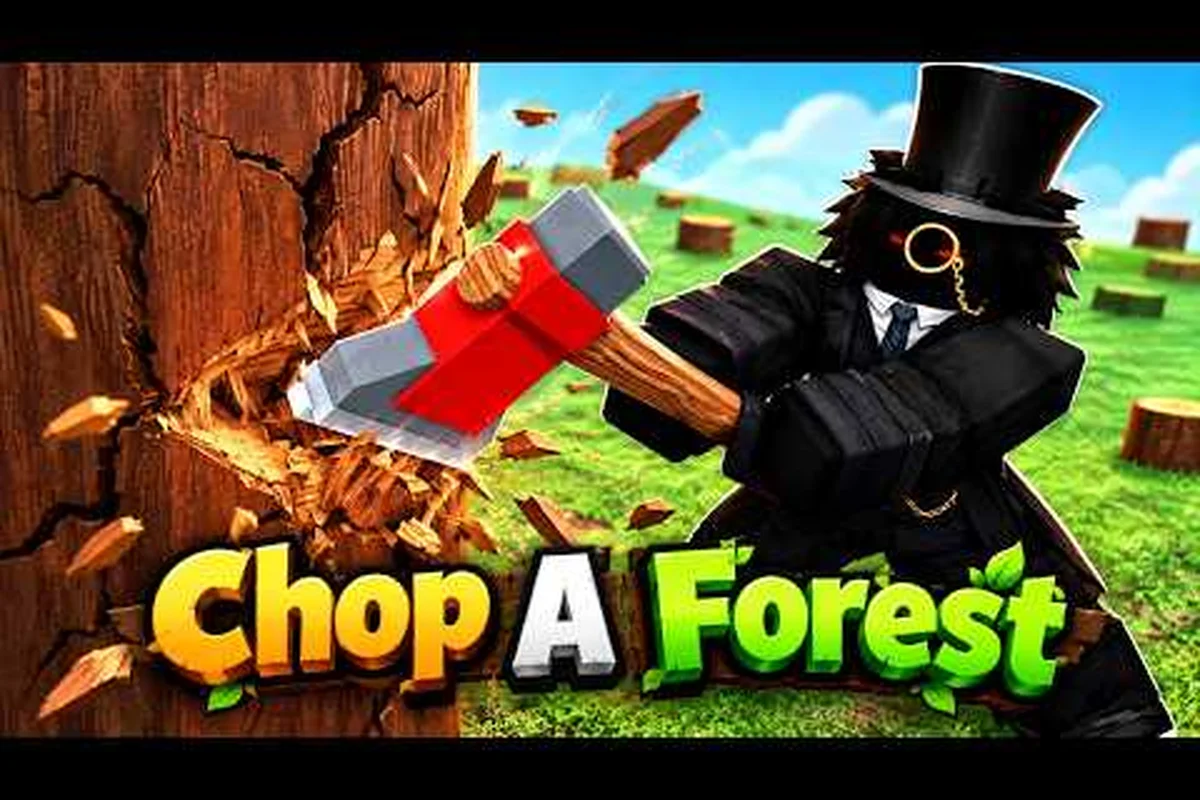
Gems hit the Chop A Forest wallet faster than most newcomers expect, and the shop rotates quietly in the background, so a sloppy early spend can lock you out of the perk, vehicle, or class you actually want. This Chop A Forest rewards guide breaks down how Gems enter the economy, which items in the Gem shop are worth the price, and how to stage your first big purchase so nothing goes to waste. Treat Gems as the second currency layer sitting on top of Coins: every Axe swing, radius upgrade, and class unlock is a separate budget line, and only one of them rewards the patience of waiting.
How Gems Enter the Chop A Forest Economy
Gems are the premium layer in Chop A Forest, and they do not fall from trees the way Coins do. They show up through daily login streaks, milestone rewards on the Battle Pass–style reward track, limited-time event drops, and Roblox-native purchases if you choose to top up. The reason that distinction matters is timing: a player who burns 100 Gems on a cosmetic glow in week one will have nothing left when the next perk rotation lands, while a player who plans around the schedule walks away with a permanent class and a stacked perk kit.
According to community data shared on the the official store page on Roblox, the first Gems most players earn come from the tutorial reward track and the daily streak calendar, which together deliver a small but predictable drip. Once the drip starts, the question is no longer "how do I get Gems" but "what to spend Gems on first," and the rest of this rewards guide answers exactly that.
Gem Sources and Expected Volume
| Source | Typical Gem Reward | Frequency | Notes |
|---|---|---|---|
| Daily login streak | 5–15 Gems | Daily | Streak multiplier grows up to day 7 |
| Reward track milestones | 25–100 Gems | Per tier | Caps each season |
| First-time class unlock | 10–20 Gems | Once per class | Bonus only on the first clear |
| Event drops | Variable | Limited windows | Often tied to holiday events |
| Roblox top-up | Player choice | Any time | Skip unless a must-buy perk is live |
Treat the daily streak as your floor, the reward track as your mid-term budget, and event drops as lottery tickets. A new player running a full streak can realistically bank 200–300 Gems in the first two weeks without spending a cent, which is enough for a small perk bundle or a discounted class.
Why Gem Planning Beats Gem Spending
Gems do not respawn, and the shop rotation rarely brings back the same perk at the same price. According to community testing, perk listings shift roughly every 24–48 hours, and a perk you pass on today may cost 30–50% more by the time it returns. That single mechanic is why a rewards guide for the Chop A Forest economy exists: if you spend without a plan, you pay twice for the same power. Planning your first 100, 250, and 500-Gem checkpoints is the single highest-leverage habit a new player can build.
The Gem Shop Layout and What Each Section Sells
The Chop A Forest gem shop splits cleanly into four sections, and each one targets a different stage of progression. Beginners see a perks tab, a class tab, a vehicle tab, and a cosmetics tab; the cosmetics tab is the trap most new players walk into first because the glow trails and shoulder pets look exciting, but they produce zero Coins per hour. The perks and class tabs are where Gem-efficient players camp, because both sections unlock permanent multipliers that compound across every future run.
Cross-referencing the Chop A Forest gem perks breakdown, the perks tab lists around 8–12 rotating slots at any given moment, with prices ranging from 25 Gems for a minor radius boost to 150 Gems for a flagship perk like Double Logs or Auto-Sell. Classes run between 200 and 600 Gems depending on rarity, while vehicles sit in the 300–800 Gem range and stack on top of classes rather than replacing them.
Gem Shop Section Snapshot
| Section | Price Range (Gems) | Permanent? | Best For |
|---|---|---|---|
| Perks | 25–150 | Yes | Every player, all stages |
| Classes | 200–600 | Yes (per character) | Mid-game buyers |
| Vehicles | 300–800 | Yes | Late-game earners |
| Cosmetics | 50–400 | Yes (visual only) | Whales, collectors |
Permanent unlocks should always outrank cosmetics on a tight Gem budget, because a perk you buy today still pays out six months from now, while a glow trail does nothing for your hourly income. If you ever feel stuck choosing between sections, default to perks first, then classes, then vehicles, and only touch cosmetics once the other three are fully stocked.
Common First-Visit Mistakes
New players tend to make the same handful of errors on their first visit to the Gem shop. The most common one is buying a cosmetic during a sale, because the discount feels urgent and the item looks great in the preview window, but Gems spent on cosmetics are Gems that cannot buy a Double Logs perk. Another common mistake is grabbing a class before any perks are unlocked, which leaves the class underpowered compared to a perk-stacked default character. The third mistake is ignoring the daily free perk, which is a small but reliable perk slot that the shop quietly refreshes every 24 hours.
What to Spend Gems On First: The Priority Stack
The honest answer to "what to spend Gems on first" is a stack, not a single item, because Gems arrive in chunks and the shop rotates between purchases. The recommended priority is straightforward: (1) the daily free perk if it is a strong perk that day, (2) one high-impact perk like Double Logs or Carry Boost, (3) a starter class with a strong passive, and (4) your first vehicle once the class is fully leveled. This stack assumes a Gem budget in the 100–600 range, which covers most players in their first month.
Community data shared across the Chop A Forest Discord suggests that the top three perks to chase are Double Logs, Auto-Sell, and Carry Boost, because each one of them directly multiplies the Coins you already earn without changing the underlying grind. Spending 150 Gems on Double Logs is widely reported by players as the single best Gem value in the game, and it pays for itself within a single afternoon of active chopping.
First-100-Gem Priority Table
| Priority | Item | Approx. Price | Why It Matters |
|---|---|---|---|
| 1 | Double Logs perk | 100–150 Gems | Doubles every tree's payout |
| 2 | Carry Boost perk | 75–100 Gems | Fewer sawmill trips per run |
| 3 | Daily free perk refresh | 0 Gems | Use it, do not skip it |
| 4 | Minor radius perk | 25–50 Gems | Speeds up tree-to-tree movement |
If your first 100 Gems land on Double Logs, you have made the single most efficient spend available. If a cheaper perk rotation delivers Carry Boost at a discount, grab that instead, because the two stack and you will want both eventually. The daily refresh is free, so it is the only line on the priority stack that should never be skipped.
When to Save Gems for a Class Instead
There is one situation where the priority stack flips: when the class shop rotates in a class you actually want. A good class can cost 300–600 Gems, and saving 100 Gems a week for a month is faster than grinding a perk that costs 150 Gems today but produces only a small permanent boost. According to player reports, the classes that justify saving Gems are the ones with built-in passives that match your playstyle, such as a logging-focused class that starts with a bonus axe damage passive, or a hauling class that increases carry capacity at level one.
A practical rule is to check the class rotation at the start of every week. If a meta class is in stock and your Gem balance is within 100 of the price, switch the priority stack from perks to saving, because perks rotate back but classes rotate less predictably. The Chop A Forest class list and shop guide covers which classes are worth the wait and which to skip, which makes it easier to commit to a savings plan without second-guessing the choice.
Comparing Gem Shop Items: Perks, Classes, and Vehicles Side by Side
A useful way to spend Gems well is to compare what each shop section actually delivers per Gem. Perks scale your existing income, classes give you a new toolkit and a permanent passive, and vehicles give you mobility plus a hauling multiplier. None of them is strictly better than the others, but the return on investment differs sharply, and the comparison is what most beginner guides skip.
Gem Value Comparison Table
| Item Type | Gem Cost | Coins/Hour Boost (Reported) | Best Use Case |
|---|---|---|---|
| Double Logs perk | ~150 | +80–100% | Solo grinders |
| Carry Boost perk | ~100 | +20–30% | Players who hate back-and-forth |
| Starter class | ~300 | +10–15% base, scales | Long-term players |
| Mid-tier class | ~500 | +25–40% base, scales | One-class loyalists |
| Hauling vehicle | ~400 | +30–50% per run | Late-game earners |
| Cosmetic glow | ~75 | 0% | Visual-only |
The Coins-per-hour figures come from community testing, so they should be treated as rough estimates rather than hard numbers, but the relative ranking is stable. Perks and vehicles produce immediate, measurable Coin boosts, classes take longer to pay off because they need leveling, and cosmetics pay back nothing in Coins. That ranking is also why the priority stack above puts perks ahead of cosmetics regardless of discount depth.
How to Read the Rotation Banner
Every visit to the Gem shop shows a rotation banner at the top, and the banner lists the perks, classes, and vehicles that will leave the shop in the next 24–48 hours. Reading the banner is the single most underrated habit in this Chop A Forest rewards guide, because it tells you whether to buy now or wait for the next drop. A common pattern is that one strong perk and one weak perk rotate in together, so the strong perk should be the buy and the weak perk should be skipped even if the discount looks tempting.
If the rotation banner shows only weak perks and no class you want, that is the green light to save. Saving feels passive, but a saved Gem today is a class or vehicle tomorrow, and that is the long game the Chop A Forest economy quietly rewards.
Spending Gems on Perks vs. Saving Gems for Classes
The most common debate in the Chop A Forest community is whether to spend Gems on perks or save them for a class. The short answer is that perks win for the first month, classes win for the second month onward. Perks compound immediately because they multiply every future run, while a class needs time to level up before its passives start to outscale a perk-stacked default character. The mistake is not picking one or the other, but picking one and ignoring the other entirely.
A balanced approach is to split the budget 50/50 once your first 200 Gems are banked: half goes to the next strong perk that rotates in, and half goes into a class savings pool. According to player experience, this split keeps momentum on the grind while also building toward the long-term power spike a class delivers. The Chop A Forest class tier list and best class guide is a good reference for which classes are worth the wait, especially if you mostly play in co-op runs where a single strong class can carry the whole team's income.
When to Break the 50/50 Split
The 50/50 split is the default, not a rule. Break it toward perks if your Gem income is slow, because perks start paying back the same day you buy them, and the grind feels heavier without them. Break it toward classes if a meta class appears in the rotation and you are within 100 Gems of the price, because meta classes rotate out unpredictably and missing one can cost weeks of waiting. The general heuristic is to overweight whichever option will disappear from the shop first, because FOMO pricing is a real mechanic in the Chop A Forest economy.
Gem Budget Scenarios
| Scenario | Recommended Split | Reasoning |
|---|---|---|
| Slow Gem income (<50/week) | 80% perks, 20% save | Perks compound immediately |
| Steady income (50–150/week) | 50/50 | Balanced progression |
| Fast income (150+/week) | 30% perks, 70% class | Build toward a strong class fast |
| Pre-rotation class alert | 100% save | Strike when the meta class is in stock |
The fast-income row is the most flexible, because you can grab a perk today and still have enough left for a class next week. The pre-rotation alert row is the most disciplined, because it forces a hard save, but the payoff is a class that would otherwise take a month to afford naturally.
Vehicle Shop: Gems vs. Coins and When to Spend Either
Vehicles in Chop A Forest unlock a mobility layer that perks and classes alone cannot match, and the Chop A Forest vehicle shop guide breaks down the full vehicle list and pricing in detail. The shop lets you buy vehicles with either Coins or Gems, and the choice between the two currencies is where most new players slip up. Vehicles bought with Coins are perfectly serviceable, and they cover the same basic function as Gem-priced vehicles, but the Gem variants usually come with a built-in perk or a hauling bonus that the Coin versions lack.
A solid mid-game plan is to buy your first two or three vehicles with Coins, because Coin vehicles are cheap and let you learn which vehicle type fits your playstyle. Once you have a favorite vehicle category, save Gems for the premium version of that same vehicle, which stacks the hauling bonus on top of the base model. Skipping straight to a Gem vehicle before knowing your playstyle is a common waste, because you may end up wanting a different vehicle once the meta settles.
Vehicle Currency Comparison
| Vehicle Tier | Coin Price | Gem Price | Permanent Bonus? | Recommended Currency |
|---|---|---|---|---|
| Starter hauler | Affordable | 300+ | No | Coins |
| Mid hauler | Moderate | 500+ | Small perk | Coins first, Gem later |
| Premium hauler | High | 700+ | Strong perk | Gems |
| Event vehicle | N/A | 400–600 | Unique passive | Gems only |
Event vehicles only appear in the Gem shop, so they are an automatic Gems purchase for collectors, but their value for raw grinding is rarely higher than a premium hauler. Skip the event vehicle unless you specifically want the cosmetic or the unique passive, and even then consider whether a permanent perk would serve you better in the long run.
The Long-Term Gem Plan
A well-paced player should hit the following checkpoints over the first three months, assuming daily play and no top-up: 100 Gems on Double Logs by week two, 250 Gems banked for a class by week four, a starter vehicle bought with Coins by week six, and a premium vehicle bought with Gems by week ten. The plan is not strict, and real rotations will push numbers around, but the sequence of "perk, then class, then vehicle" is the cleanest Gem path through the Chop A Forest economy.
The plan also leaves room for cosmetics without guilt, because once the priority stack is fully funded, any leftover Gems are yours to spend. That is the difference between a Gem plan and a Gem splurge: the plan funds power first and fun second, the splurge flips the order and locks you out of the long-term gains that make the grind satisfying in the first place.
Frequently Asked Questions
What is the single best thing to spend Gems on in Chop A Forest?
The Double Logs perk is widely reported by players as the highest-value early purchase, because it doubles every tree's payout and pays for itself in a single afternoon of chopping. Grab it as soon as your Gem balance can cover the listed price, and treat every other perk as a secondary buy.
Should I save Gems for a class or spend them on perks first?
Spend on perks for the first month, then switch to class savings once your first 200–300 Gems are banked. Perks compound immediately and make the grind faster, while classes deliver a bigger long-term spike but need time to level up before they outscale a perk-stacked default character.
Are Gem-priced vehicles worth it over Coin-priced ones?
Yes, but only after you have already identified your favorite vehicle type with a Coin-priced version. The Gem variants add a permanent hauling or perk bonus on top of the base model, so buying one without knowing your playstyle is a common early waste.
How often does the Chop A Forest gem shop rotate?
Perks typically rotate every 24–48 hours, while classes and vehicles rotate on a slower weekly schedule, according to community data. Event drops can override either schedule, so checking the rotation banner on every visit is the safest habit.
Can I earn enough Gems without spending real money?
Yes, the daily login streak and the reward track together can deliver 200–300 Gems in the first two weeks for free, which is enough for a strong perk bundle or a discounted class. Top-ups are optional and only become worth considering once the priority stack is fully funded.